

Have you ever missed an important message that someone deleted before you read it? Luckily, there is a reliable way to recover deleted WhatsApp messages easily using the WAMR app which available on both Android and iOS, WAMR captures deleted texts, photos, videos and voice notes by monitoring your notification history.
This powerful app allows you to view and save deleted WhatsApp content without restore backups or reinstall the app. In this article, you will learn how to use WAMR to recover deleted WhatsApp messages, along with key tips to keep your data safe and private.
What is WAMR App?
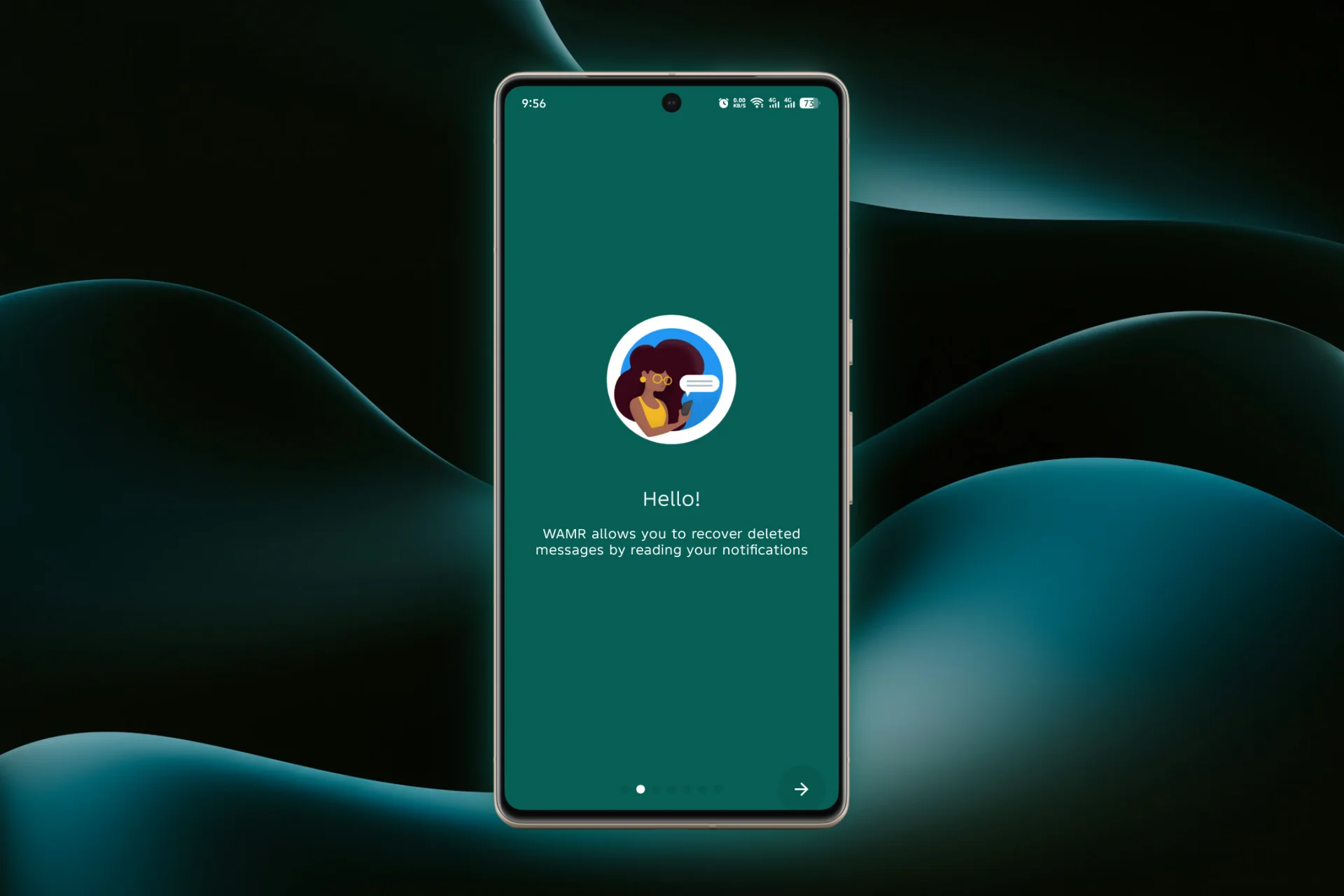
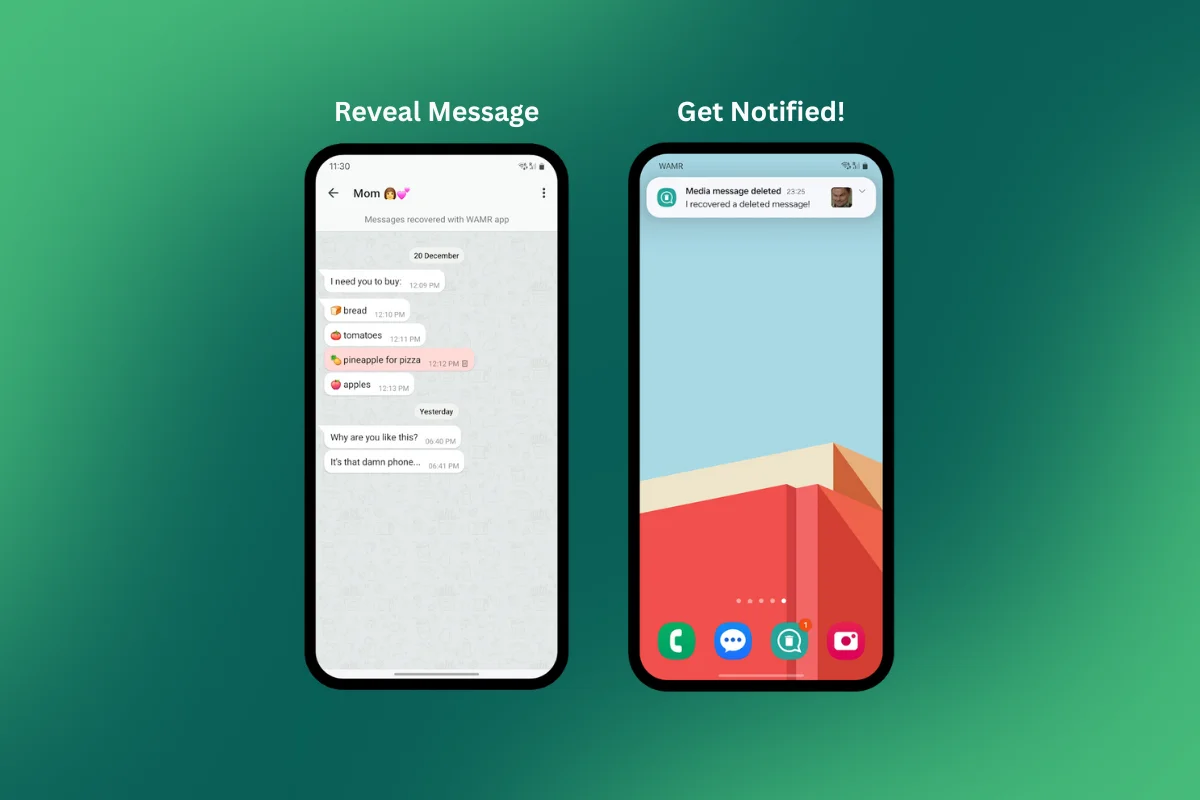
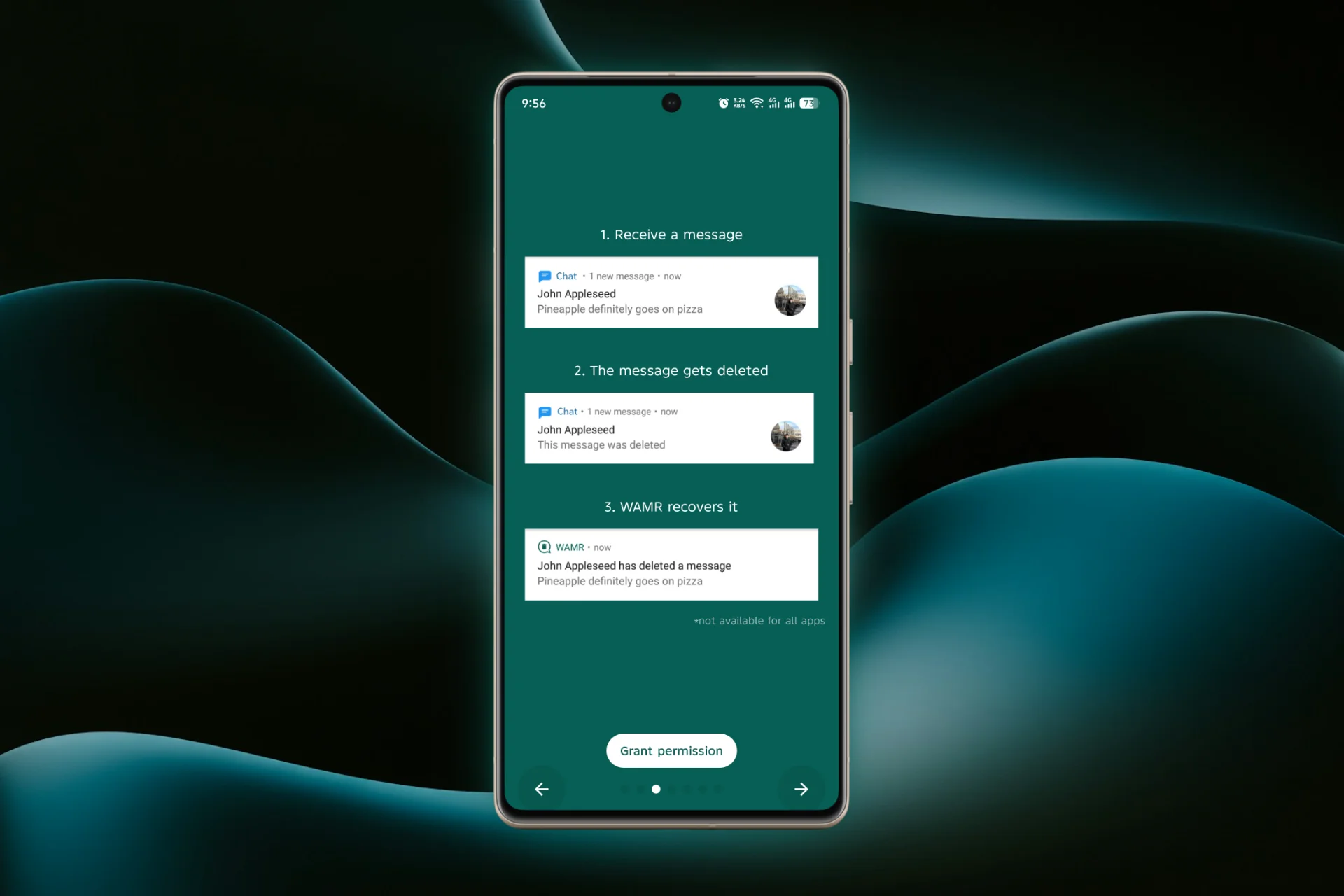
WAMR is a smartphone app by Drilens works by saving your WhatsApp notifications. When someone deletes a message or media, you will get a notification from WAMR showing the deleted content before it disappears permanently. This way, you can always stay updated on what was sent even if it was removed later.

How to Use WAMR to Recover Deleted WhatsApp Messages?
Here are the quick steps to recover deleted WhatsApp messages efficiently:
1. Download & Install WAMR
The WAMR app is available on Google Play Store or Apple App Store.

2. Enable Notifications Access
WAMR works by monitoring your WhatsApp notifications. Grant the app notification access so it can save deleted messages.
3. Grant Storage Permission
Allow storage permission to enable saving of photos, videos, and other deleted media.
4. Select WhatsApp (or Other Apps)
Choose WhatsApp during setup. You can also monitor Telegram, Messenger, Instagram, and more.

5. Get Notified & See Deleted Messages
After setup, WAMR will automatically notify you whenever a WhatsApp message or media is deleted. Simply open WAMR app to view or save the deleted content.
Pros and Cons of WAMR
| Pros | Cons |
|---|---|
| Recover deleted texts, images, videos, and voice notes | Only works if notifications were received before deletion |
| No need for chat backups or reinstalling WhatsApp | Can’t restore messages deleted before installing WAMR |
| Supports multiple apps (WhatsApp, Telegram, Messenger) | On iOS, notification capture may be limited |
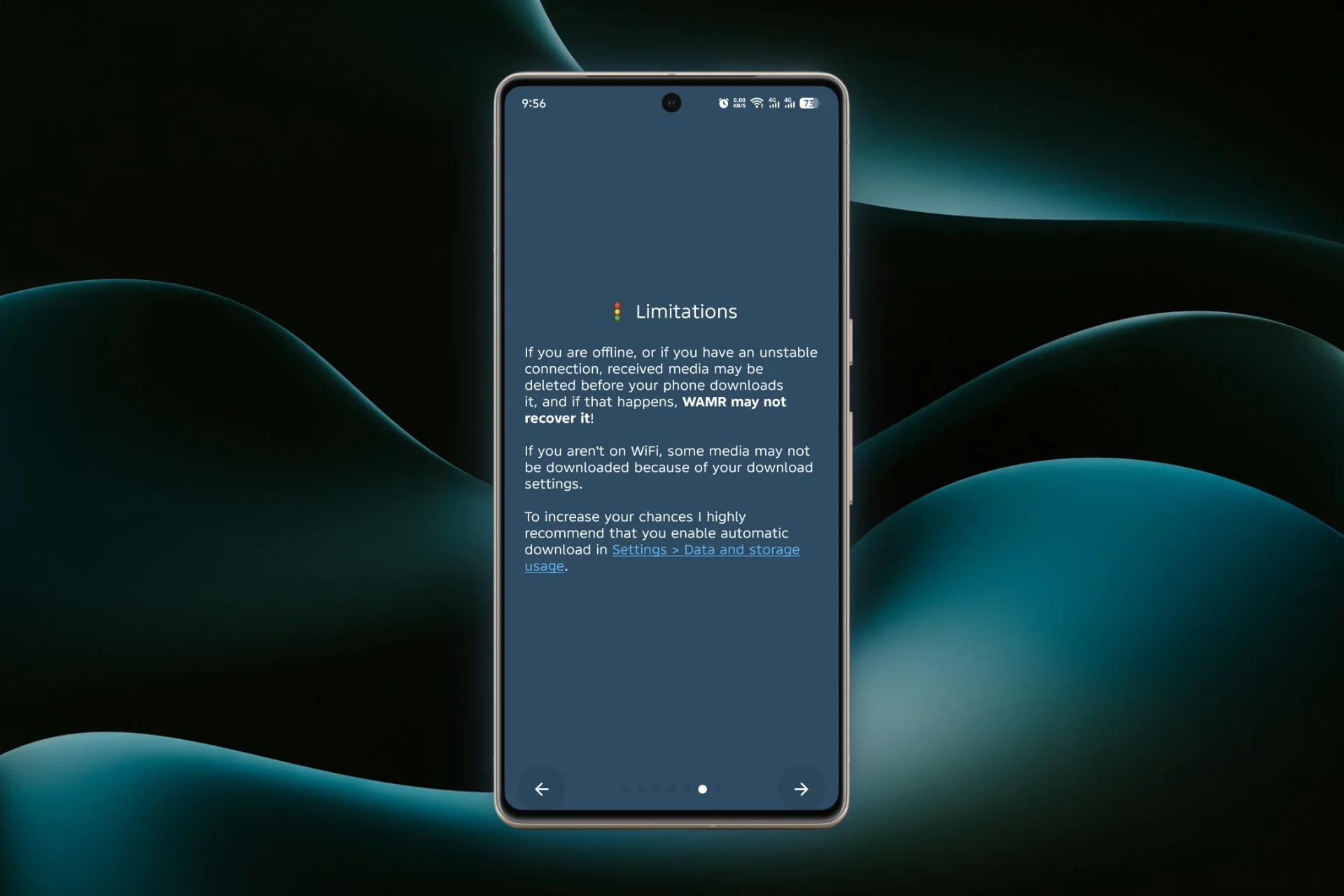
| Works quietly in the background | May not save media if download was incomplete |
Why We Choose WAMR to Recover Deleted Whatsapp Messages
Important Tips
Privacy and Safety
WAMR keeps your data locally on your device and does not store messages on any servers, so your chats remain private. It uses only notifications to recover deleted whatsapp messages, it cannot directly access your WhatsApp chats or backups.
Also Read: How to Get 120 FPS in PUBG Mobile Gameloop Emulator
How does WAMR recover deleted WhatsApp messages?
WAMR works by saving notifications from WhatsApp. WAMR retrieves the content from its notification backup, allowing you to see deleted texts, photos, videos and other media instantly.
Is WAMR safe to use, and does it keep my WhatsApp data private?
Yes, WAMR keeps your data locally on your device and does not access WhatsApp servers.
Can WAMR recover all deleted WhatsApp messages and media?
WAMR can recover messages and media only if the notifications for those messages were received and saved before deletion.