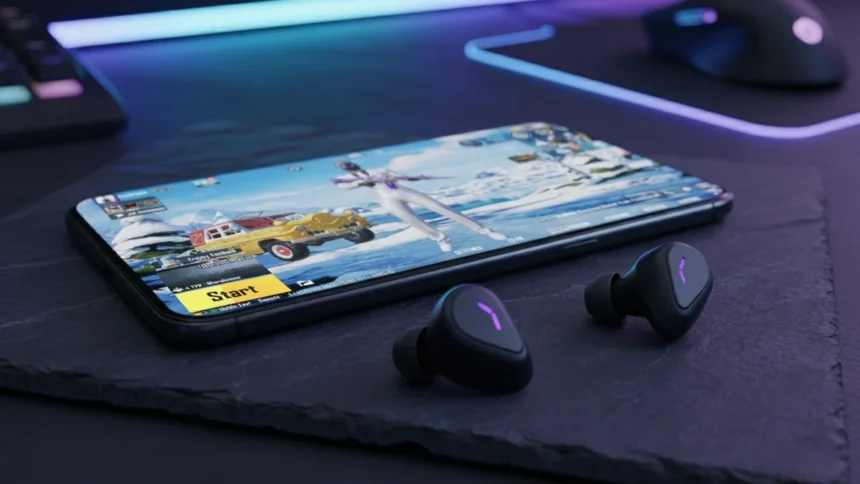

We all have been there is a messy situation where you are warming up in Pubg Mobile Solo match and your new earbuds (Mine were Ronin Eminence) are delivering crisp, immersive sound. You can hear every footstep, every reload and the direction of every shot.
Then, the squad invite comes in. You join the lobby, ready to dominate. But the moment you tap that microphone button to say “Hello” to your teammates then the disaster strikes. The game audio immediately cuts from your earbuds and starts blasting out of your phone’s loudspeaker.
You scramble to fix it, but nothing works. If you turn the mic off, the sound comes back to the earbuds. Turn it on, and it switches to the phone speaker. It is frustrating, embarrassing, and in a ranked match, it makes the game unplayable.



If this sounds familiar, don’t throw away your earbuds. They aren’t broken. This is a specific Android permission conflict that affects many players using Bluetooth headsets. Here is exactly how I fixed this glitch and got my audio back.
Quick Step by Step Answer: How to Fix It Fast
The Problem: PUBG Mobile lacks the “Nearby Devices” permission, forcing the OS to block Bluetooth audio when the microphone activates.
The Method# 1:
- Long-press the PUBG Mobile icon and tap App Info.
- Go to Permissions.
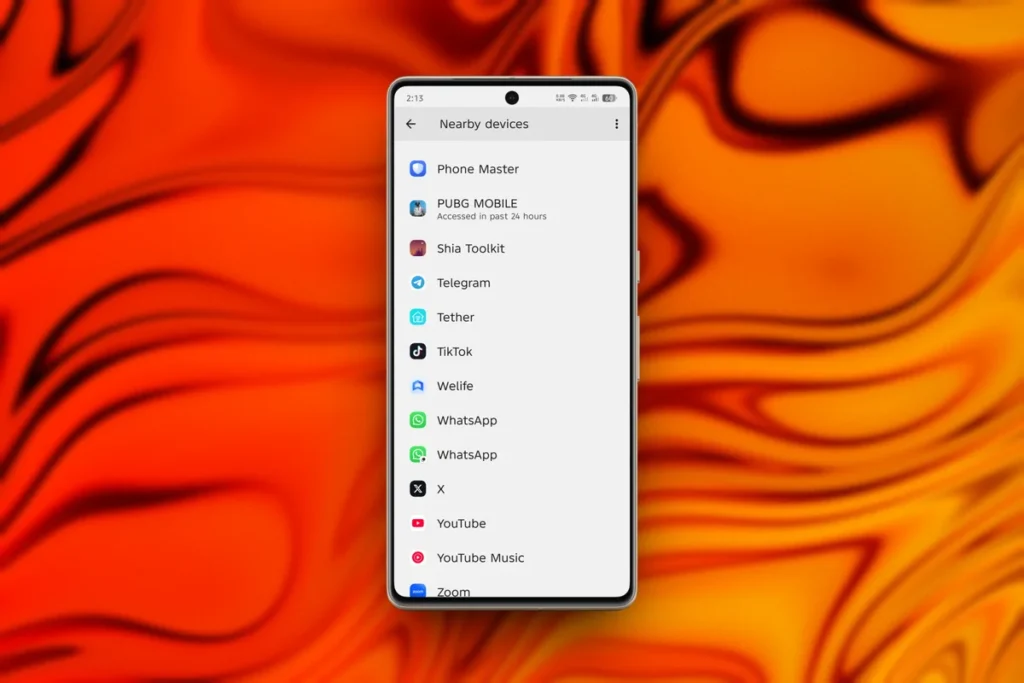
- Find Nearby Devices (sometimes labeled Physical Activity or Nearby Share).
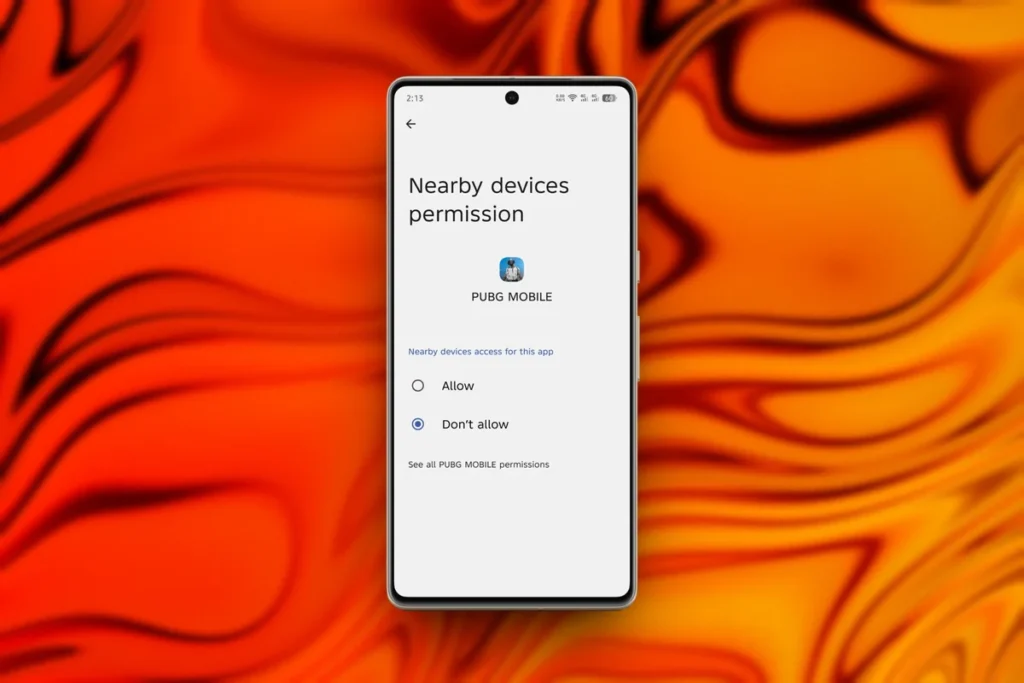
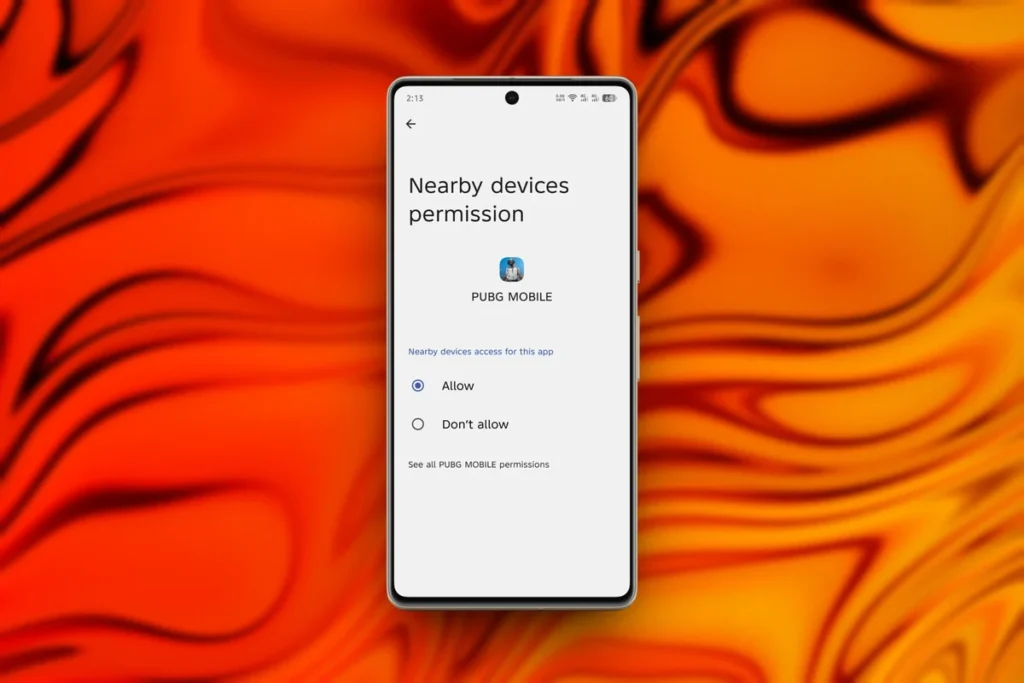
- Change the setting from “Don’t Allow” to ALLOW.
- Restart the game.
The Method# 2:
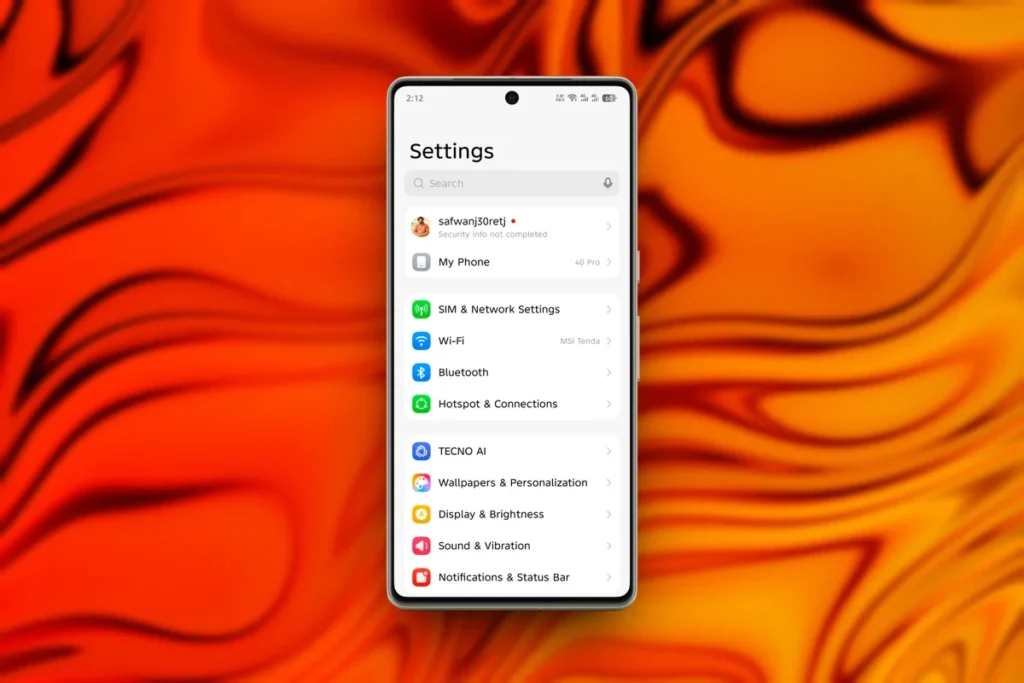
- Open up the Settings of your Android device
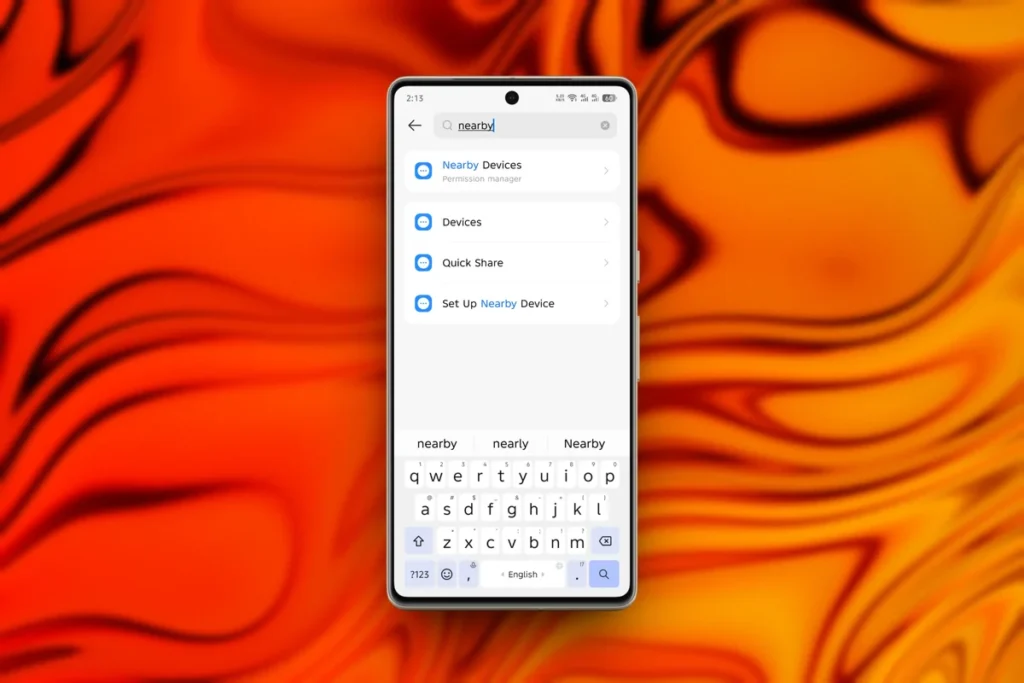
- Search for Nearby Devices and Look for Pubg Mobile Game or (BGMI)
- Disallowed Section, open the Game and allow the permission.
- Restart the game.
Also See: How to Get 120 FPS in PUBG Mobile Gameloop Emulator – Step by Step Guide
Why Is This Happening? (The Technical Reason)
You might be wondering, “Why did this work fine before?”. The answer lies in how modern Android versions (Android 12, 13, and 14) handle security. In older Android versions, Bluetooth access was bundled with “Location” permissions whereas in latest android versions Google separated these permissions. Now, apps need explicit permission to find and connect to “Nearby Devices”.
When you play Solo, you are only listening (Media Profile). But when you turn on your mic, the app tries to switch your Bluetooth to “Call Mode” (Headset Profile). If PUBG Mobile doesn’t have the Nearby Devices permission, the Android OS blocks this switch for security reasons and routes the audio to the only safe option it knows: your phone’s built-in speaker.
Troubleshooting: Still Having Issues?
If the permission fix didn’t work immediately, try these secondary solutions.
| Issue | The Solution |
| High-Quality Audio Conflict | Go to Settings > Graphics & Audio > Audio. If you are using “Ultra” audio, switch to “High.” Some Bluetooth chips cannot handle Ultra sound and Voice Chat simultaneously. |
| Bluetooth Cache Glitch | Go to your phone’s Bluetooth settings, find your earbuds, and tap “Unpair” or “Forget.” Put them back in the case, then re-pair them. |
| Mono Audio | Check your phone’s Accessibility settings. Ensure “Mono Audio” is turned OFF, as this can conflict with stereo gaming headsets. |
Gaming should be immersive. Losing your sound awareness just because you wanted to communicate with your squad is a nightmare. Fortunately, this isn’t a hardware failure rather it’s just a simple checkbox in your settings. Once you enable Nearby Devices, your phone will trust PUBG Mobile to handle both your mic and your audio simultaneously.
Frequently Asked Questions (FAQ)
Why does my game sound change quality when I turn on the mic?
Bluetooth limits bandwidth. When the mic is on, the headset switches to “Hands-Free Profile” (HFP), which has lower audio quality than standard media audio to make room for your voice data.
Does this fix work for iPhone (iOS)?
No, this is an Android-specific permission issue. On iOS, this is usually fixed by checking the input device in the Control Center.
Will this fix work for other games like COD Mobile or Free Fire?
Yes. Any game that uses voice chat and loses Bluetooth audio likely needs the Nearby Devices permission enabled.